
GPT‑5.2 vs Google Gemini: Why OpenAI’s New Model Matters for AU Businesses
nnnnnnnnnnnnIntroduction: GPT‑5.2 enters the ring against Google Gemini
nnn nn OpenAI has released its new GPT‑5.2 model right as Google’s Gemini models are heating up the AI race. n For businesses in Australia, this GPT‑5.2 vs Gemini moment is not just a nerdy model war; it’s a question of how you’ll run knowledge work, customer support, and software development over the next few years.n
nnn nn GPT‑5.2 is a stronger engine dropped into the same car you already know how to drive. n Compared with GPT‑5.1 and GPT‑4‑class models, it brings better reasoning, longer context, stronger spreadsheet and coding skills, and tighter enterprise hooks through Microsoft’s Azure Foundry stack. Meanwhile, Google Geminis are pushing hard on multimodal performance and native integration with Google’s ecosystem.n
nnn nn This article explains what GPT‑5.2 is, how it stacks up against Gemini, what it will cost, and when an AU business should adopt it. We’ll cover features, pricing patterns, practical use cases, and concrete steps you can take in the next 30 days to pilot GPT‑5.2 in your organisation with the help of specialised partners like Lyfe AI’s AI implementation services.n
nnn nnnnWhat is GPT‑5.2? Positioning in the AI model race
nnn nn GPT‑5.2 is OpenAI’s latest flagship large language model, designed as its go‑to professional and enterprise “workhorse”. n Think of it as the default engine for office productivity, customer‑facing AI agents and IT support for Australian SMBs, dev tools, and data‑heavy workflows. It handles text, code and images, and can call tools where enabled, making it a true multimodal reasoning system rather than just a text predictor. [2]n
nnn nn From OpenAI’s side, GPT‑5.2 is an evolutionary upgrade to GPT‑5.1, not a radical reinvention. It’s modestly better than 5.1 on most capability and safety metrics, with especially strong gains in general reasoning and abstraction. Internal benchmarks like FrontierMath and other scientific tests show measurable improvements that translate into more reliable performance on complex, multi‑step tasks in real business workflows. [2]n
nnn nn Strategically, GPT‑5.2 was released under a “Code Red” context after Google’s Gemini 3 outperformed OpenAI on several public benchmarks. OpenAI pulled the launch forward and focused on better speed, reliability and everyday reasoning rather than brand‑new feature categories. The idea: beat Gemini where it matters most—day‑to‑day work quality and stability—rather than chasing gimmicks. [3]n
nnn nn For businesses, GPT‑5.2 is meant to be a drop‑in, safer and sharper replacement for GPT‑5.1 and GPT‑4‑class models, especially under enterprise conditions. It’s the model OpenAI expects you to standardise on for serious knowledge work automation, and it will sit alongside other frontier models like GPT‑5 in your broader GPT‑5 migration strategy.n
nnn nnnnKey GPT‑5.2 features vs Gemini for business workflows
nnnnn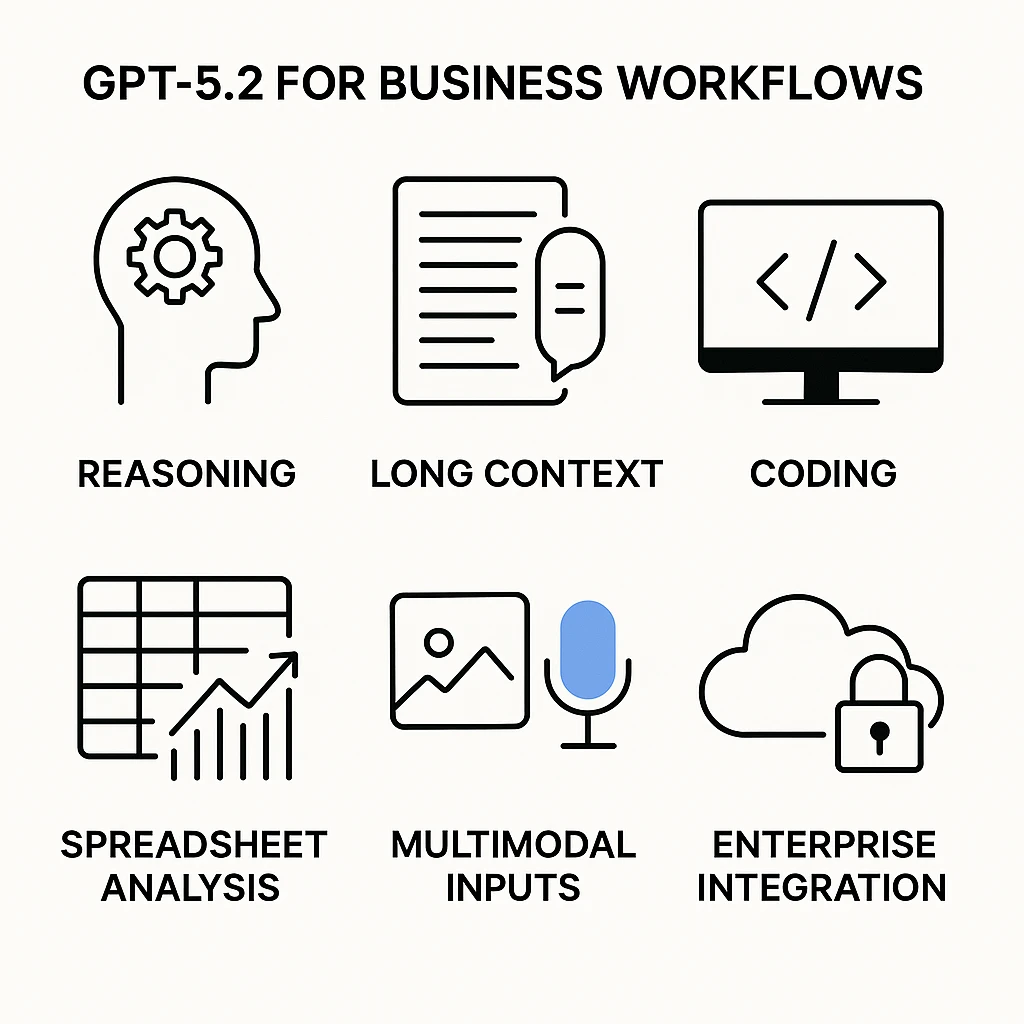
n On paper, GPT‑5.2 and Google Gemini both pitch themselves as frontier multimodal models. In practice, GPT‑5.2 leans harder into professional workflows: spreadsheets, slide decks, code, and long, messy context. n It delivers targeted improvements over GPT‑5.1 in several areas that matter inside a business. [2]n
nnn nn Spreadsheets and structured data. GPT‑5.2 is better at generating formulas, building structured tables, and keeping data consistent across steps. That means fewer broken formulas in Excel or Sheets and more trustworthy financial or operational models. It also explains its calculations more clearly—handy when your finance lead asks, “Where did this number come from?” [2]n
nnn nn Presentations. GPT‑5.2 is tuned to produce more coherent slide decks, complete with speaker notes and section structure. Rather than dumping walls of text, it outlines clear sections, bullets, and narrative flow. Paired with its long‑context capability, you can feed it a long strategy document and get a 20‑slide board pack in one go, instead of chunking inputs manually. [2]n
nnn nn Images and multimodal reasoning. GPT‑5.2 can interpret screenshots, charts and document images alongside long text. You might upload a screenshot of a Power BI dashboard plus a 30‑page commentary and ask for key risks and actions; the model can integrate both and give a joined‑up response. Gemini is also strong here, but GPT‑5.2’s design explicitly targets “professional content understanding” rather than consumer‑style image creativity. [2]n
nnn nn Coding. GPT‑5.2 produces higher‑quality code, cleaner refactors, and more robust multi‑file reasoning than GPT‑4‑era models. While it doesn’t fully replace specialised code‑max models, it narrows the gap and improves safety and reliability, especially in reasoning‑heavy variants. [2]n
nnn nnnnPerformance, reliability and safety: Code Red and beyond
nnnnn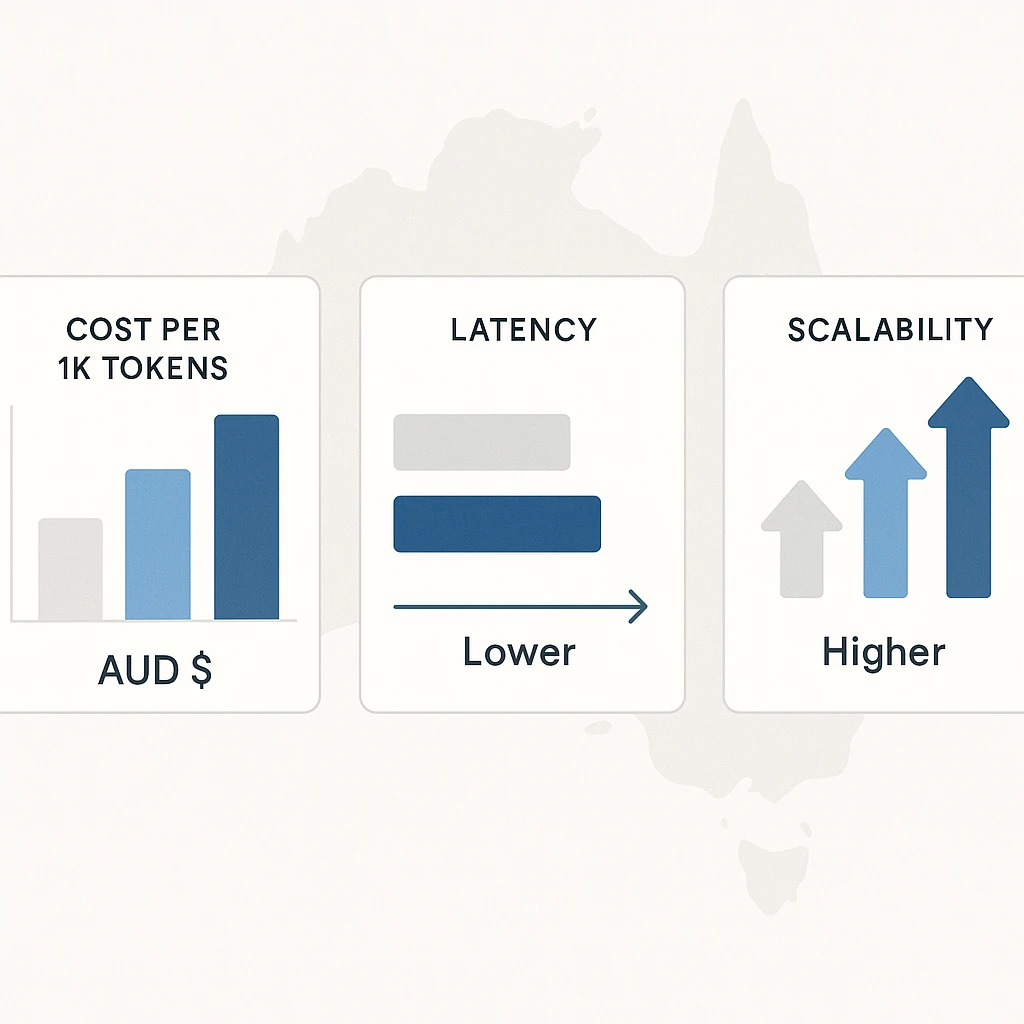
n The “Code Red” backstory matters because it shaped what GPT‑5.2 became. After Gemini 3 scored higher on key benchmarks, OpenAI fast‑tracked GPT‑5.2 for a 9 December 2025 release and poured effort into three things: speed, reliability, and reasoning quality in ChatGPT and the API. [3]n
nnn nn On performance, GPT‑5.2 offers lower average response times than GPT‑5.1 under similar load, making it more suitable for high‑volume chat workloads like customer support or internal helpdesks. In enterprise settings—particularly via Microsoft’s Foundry/Azure OpenAI stack—it’s paired with stronger uptime and throughput guarantees, addressing the old complaint that “ChatGPT is great… when it’s not flaky.” [1][3]n
nnn nn Reliability means fewer task failures, fewer obvious contradictions across long conversations, and better adherence to instructions over hundreds of turns. For long‑running workflows—legal reviews, audit analysis, or multi‑week software projects—that stability is more valuable than a one‑off clever answer. [2][3]n
nnn nn On safety, GPT‑5.2 improves on GPT‑5.1 in self‑harm, mental‑health and emotional‑reliance tests, especially in the gpt‑5.2‑thinking variant. It also maintains strong protections around cyber‑offence content and minors, while cutting down on overly cautious refusals for allowed mature content. That matters in regulated sectors like finance, health, and education, which are common across the AU economy. [2]n
nnn nn GPT‑5.2 should be seen as a sturdier, safer engine under the hood—one built to run all day in production, especially when combined with secure deployment practices such as best‑practice AI data protection and transcription controls.n
nnn nnnnGPT‑5.2 pricing, latency and budgeting for AU businesses
nnnnn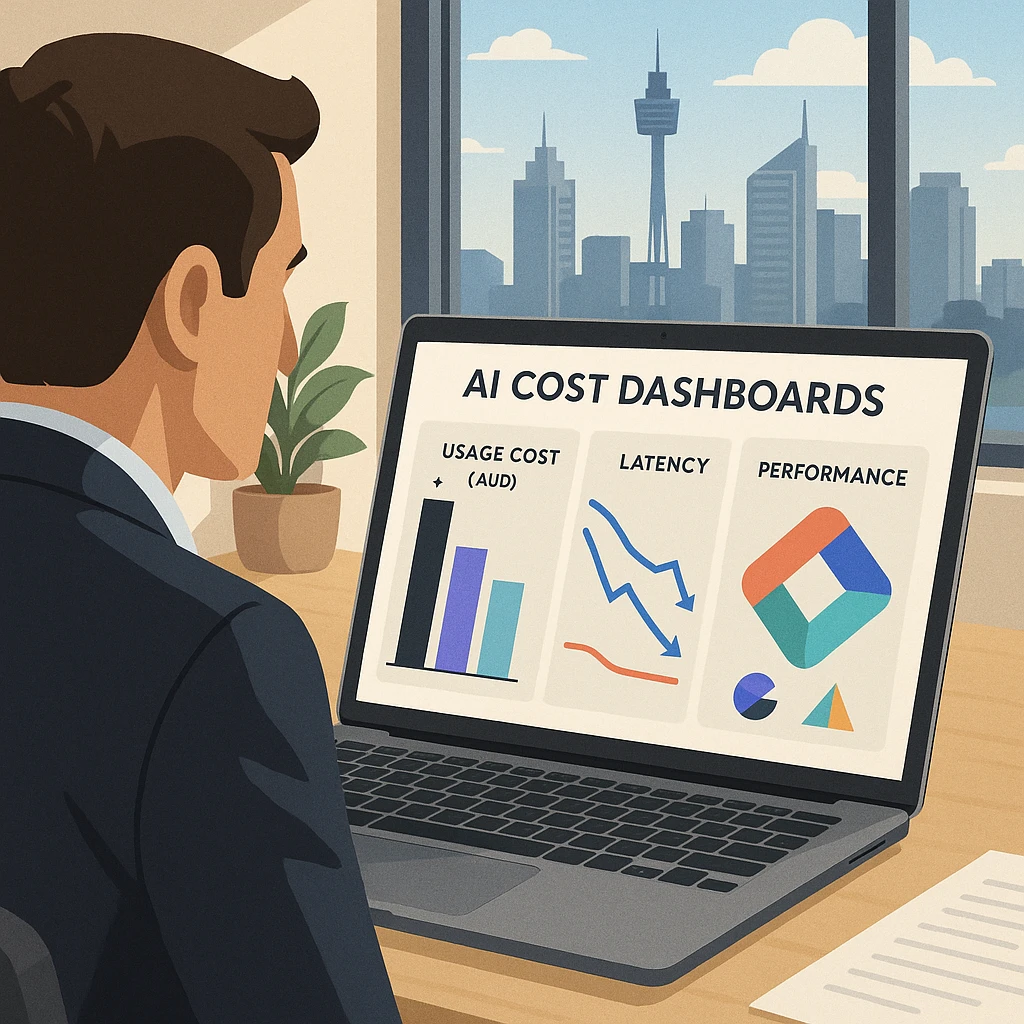
n Official per‑token pricing for GPT‑5.2 is expected to follow the same pattern as earlier 5‑series models: cheaper Instant‑style variants for high‑volume workloads, and more expensive Thinking‑style variants for heavier reasoning tasks. Exact numbers will evolve, so you’ll need to check current OpenAI and Azure documentation, but the economic pattern is stable. [2]n
nnn nn gpt‑5.2‑instant is tuned for lower latency and cost. It’s designed for use cases like customer support chat, internal FAQs, marketing copy drafting, and lightweight coding assistance—anywhere speed and scale beat absolute peak reasoning quality. Benchmarks show it broadly matches GPT‑5.1‑instant, with some slightly lower capability scores but still ahead of 5‑instant. For most frontline tasks, that trade‑off is acceptable. [2]n
nnn nn gpt‑5.2‑thinking trades speed and cost for deeper, chain‑of‑thought reasoning, longer context, and stronger performance on complex tasks. It shines in compliance analysis, legal and technical summaries, multi‑file code refactors, and data‑heavy decision support. You wouldn’t throw every FAQ email at it, but you want it handling tricky, high‑risk edge cases. [2]n
nnn nn A common budgeting strategy—especially relevant for AU businesses managing cloud spend in AUD—is routing: send routine, low‑risk queries to gpt‑5.2‑instant, and escalate complex or risk‑flagged queries to gpt‑5.2‑thinking. This can be automated in your app logic based on rules (e.g. length, sentiment, topic) or human‑driven (agents click “escalate to advanced analysis”). [2]n
nnn nn When deployed via Azure OpenAI / Foundry, factor in Azure compute pricing, data egress, and any observability or orchestration costs. The upside is access to enterprise‑grade controls, SLAs, and often better data‑residency options, which many Australian organisations now treat as non‑negotiable and which platform partners such as Lyfe AI’s secure Australian AI assistant can help you navigate.n
nnn nnnnReal‑world GPT‑5.2 use cases for Australian organisations
nnn nn GPT‑5.2’s strengths line up neatly with common patterns in Australian businesses—from mid‑sized professional services firms to large banks and universities. You can drop it into existing processes and watch friction fall away. [1][2]n
nnn nn In customer service and operations, gpt‑5.2‑instant is ideal for tier‑1 chatbots, email triage, and simple ticket responses. It can hold longer context threads than GPT‑4‑class models, so customers don’t have to repeat themselves. When a case gets tricky—a hardship claim, a complex NDIS query, a multi‑product complaint—your system can route it to gpt‑5.2‑thinking for deeper analysis before a human signs off, much like modern AI personal assistants that escalate complex tasks to more advanced workflows.n
nnn nn In knowledge management and compliance, GPT‑5.2 can summarise and compare long pieces of AU legislation, regulator guidance, or standards, and then draft internal policies or staff FAQs. You could feed it ASIC, ACCC and OAIC guidance on a topic and ask for a consolidated risk summary and training module outline. That’s now realistic, provided a human still does the final checks or engages a specialist AI consulting partner for validation. [2]n
nnn nn For software development teams, gpt‑5.2‑instant offers everyday coding help—bug hunting, doc updates, unit test suggestions—while gpt‑5.2‑thinking handles architecture discussions, complex refactors across many files, or security‑sensitive code reviews. It’s a serious multiplier for a small dev team trying to ship faster without blowing out headcount, especially when combined with structured prompt‑engineering best practices. [2]n
nnn nn Data and analytics teams can lean on GPT‑5.2 for spreadsheet analytics, SQL/query generation, narrative explanations of BI dashboards, and preliminary scenario modelling. Its stronger science/maths reasoning helps it handle more complex calculations and “what if” explorations, especially when paired with tools and live data. [2]n
nnn nn In marketing and sales, gpt‑5.2‑instant can generate tailored copy and campaigns at scale, while gpt‑5.2‑thinking supports deeper positioning work—multi‑channel launch plans, competitor analysis, or long‑form content strategy. Humans keep the brand guardrails; the model does the heavy lifting, similar to how AI partners that specialise in campaign automation help teams execute at scale.n
nnn nnnnHow to deploy GPT‑5.2: Instant vs Thinking and access options
nnn nn GPT‑5.2 comes in at least two main variants: gpt‑5.2‑instant and gpt‑5.2‑thinking. Instant is your fast, lower‑cost, everyday assistant. Thinking is your slower, deeper, “call in the experts” brain. The trick is using both together in a smart architecture—ideally with support from experienced AI deployment and integration services. [2]n
nnn nn A sensible deployment pattern for most AU organisations looks like this:n
nnn n- n
- Default to gpt‑5.2‑instant for high‑volume, lower‑risk tasks: FAQs, first‑line support, internal Q&A, marketing drafts, routine coding help. n
- Route to gpt‑5.2‑thinking when complexity or risk increases: high‑value customers, complaints, legal/compliance queries, large document reviews, strategic planning. n
- Log and observe both paths so you can refine routing rules over time based on cost and quality data. n
n In terms of access channels, you have three main options. First, the ChatGPT interface, where GPT‑5.2 appears as the most advanced model tier for end users (typically behind paid plans). Second, the OpenAI API, where developers can call models like gpt‑5.2‑instant or gpt‑5.2‑thinking via standard chat/completions endpoints in their own apps. Third, Azure OpenAI / Microsoft Foundry, where GPT‑5.2 is wrapped in enterprise‑grade observability, governance, cost management and integration with Azure data and security frameworks. [1][2]n
nnn nn For mid‑to‑large organisations already on Microsoft 365 or Azure, Foundry is positioned as the “new standard for enterprise AI”. It offers curated GPT‑5.2 Foundry Models, an Agent Service for orchestrating GPT‑powered agents, and a control plane for monitoring and risk management—all things that risk and compliance teams in Australia ask for, and which can complement internal solutions like Lyfe AI’s secure Australian AI assistant for everyday tasks. [1]n
nnn nn Whichever route you choose, factor in region availability and quotas, especially if you have AU data‑residency requirements or operate in tightly regulated industries where secure workflows such as AI transcription for clinician‑patient interactions come into play.n
nnn nnnnPractical adoption tips for Australian teams
nnnnn
n Knowing that GPT‑5.2 is strong is one thing; getting real value from it inside an Australian business is another. A few practical steps can help you move from “interesting” to “actually saving time and money” without creating chaos.n
nnn nn Start with one or two focused pilots rather than trying to “AI‑ify” everything. Common low‑risk entry points include:n
nnn n- n
- Tier‑1 customer support via gpt‑5.2‑instant, with clear handoff to humans and an escalation path to gpt‑5.2‑thinking for complex cases. n
- Internal knowledge assistant for staff, answering HR and policy questions based on your existing documents. n
- Developer co‑pilot for non‑critical repos, helping with documentation, minor refactors and test generation. n
n For each pilot, define explicit success metrics: average handling time, first‑contact resolution, hours saved per week, or content production speed. Run the pilot for a fixed period—say 6–8 weeks—then review usage data, costs and user feedback. Adjust prompts, routing rules, and human review points, then decide whether to expand or pivot, drawing on frameworks such as prompt design best practices to refine results.n
nnn nn You’ll also want a lightweight governance framework from day one. Decide what data can go into GPT‑5.2 (and what should never go in), who can deploy prompts or agents to production, and how you’ll log and audit model behaviour. In larger AU organisations, involve risk, legal and IT security early enough that they feel like partners, not gatekeepers—or consider upskilling internal champions through programs like Lyfe AI’s “Become a Teacher” initiative for AI educators.n
nnn nn Finally, invest a little time in staff training. Short, practical workshops—“How to brief GPT‑5.2 effectively”, “What it’s good at vs bad at”—can dramatically improve outcomes. The model is powerful, but it’s still a tool; people who know how to ask better questions will always get more from it, especially when supported by a clear internal AI assistant playbook.n
nnn nnnn
Conclusion: Should your business move to GPT‑5.2 now?
nnn nn GPT‑5.2 is OpenAI’s answer to Google Gemini’s challenge: a faster, more reliable, more capable engine aimed squarely at professional and enterprise workloads. It brings stronger reasoning, better multimodal understanding, improved spreadsheet and coding skills, and tighter enterprise integration—especially via Azure OpenAI and Foundry—without forcing you to rewrite your whole tech stack. [1][2][3]n
nnn nn For most Australian organisations already experimenting with GPT‑4 or GPT‑5.1, the question isn’t “if” but “when and where” to adopt GPT‑5.2. The sweet spot is to upgrade the workflows where errors and latency really hurt—support, compliance, analytics, complex decision support—while using routing patterns to keep costs predictable. Gemini will remain a strong competitor, especially if you are deep in the Google ecosystem, but GPT‑5.2 now sets a very high bar for reasoning‑driven business automation, and platforms like Lyfe AI can help you choose the right AI partner mix.n
nnn nn If you haven’t yet, the next step is simple: choose a narrow, high‑impact pilot, wire it up to gpt‑5.2‑instant and gpt‑5.2‑thinking, and measure the before‑and‑after. From there, you can grow into broader automation with confidence rather than hype, building on foundational guides such as OpenAI GPT‑5 migration playbooks.n
nnn nnnnFrequently Asked Questions
nnnnnnWhat is GPT 5.2 and how is it different from previous OpenAI models?
nGPT‑5.2 is OpenAI’s latest large language model, designed to improve on GPT‑5.1 and GPT‑4‑class models with stronger reasoning, longer context windows, and better handling of structured data like spreadsheets and code. It also offers tighter integration with enterprise tooling, especially through Microsoft Azure, making it more suitable for business‑grade deployments than earlier versions.
nnHow does GPT 5.2 compare to Google Gemini for business use?
nGPT‑5.2 generally focuses on deep reasoning, long‑form text, coding, and enterprise integrations, while Google Gemini leans heavily into multimodal features and native integration with Google Workspace. For many businesses, GPT‑5.2 is stronger for knowledge work, automation, and development workflows, whereas Gemini may be preferred if you are deeply invested in Google’s ecosystem and need video/image‑heavy use cases.
nnHow much does GPT 5.2 cost and how is pricing structured?
nGPT‑5.2 is typically priced on a pay‑per‑use basis, charging per 1,000 input and output tokens, with separate rates for the Instant and Thinking variants. Many providers, including Azure and partners like LYFE AI, also offer usage tiers, volume discounts, and fixed‑price pilots so businesses can control spend while they test and scale real use cases.
nnIs GPT 5.2 worth it for small businesses in Australia?
nYes, GPT‑5.2 can be cost‑effective for Australian small businesses if it’s applied to clear, high‑value tasks like customer support, proposal drafting, lead qualification, or internal process automation. The key is to start with a narrow pilot, measure time saved or revenue gained, and then scale only the use cases that show a positive return on investment.
nnWhat are the main new features of GPT 5.2 that matter for businesses?
nKey GPT‑5.2 upgrades include better logical reasoning, larger context windows for handling long documents, stronger spreadsheet and coding abilities, and improved reliability and safety. It also supports faster “Instant” responses for chat‑like interactions and more intensive “Thinking” modes for complex analysis, giving teams flexibility depending on the task.
nnHow can my company start using GPT 5.2 in our workflows?
nYou can access GPT‑5.2 via OpenAI or Azure APIs, or through integrated tools your team already uses, then connect it to specific workflows like customer service, reporting, or software development. Many organisations work with implementation partners like LYFE AI to design prompts, set up secure access, integrate with CRMs or ERPs, and train staff so adoption is structured and low‑risk.
nnWhat are some real world use cases of GPT 5.2 for Australian organisations?
nAustralian businesses are using GPT‑5.2 for AI‑assisted customer support, automated document drafting, tender and grant responses, code generation, and summarising long regulatory or legal documents. It’s also being deployed for internal knowledge bases, financial and operational reporting, and marketing content tailored to local AU markets and compliance requirements.
nnIs GPT 5.2 secure and compliant enough for enterprise use?
nGPT‑5.2 includes upgraded safety systems, improved content filters, and enterprise controls, especially when accessed through Azure OpenAI with regionally constrained data handling. For regulated sectors, partners like LYFE AI help design architectures that keep sensitive data in your environment, apply access controls, and align usage with Australian privacy and industry compliance standards.
nnWhat is the difference between GPT 5.2 Instant and GPT 5.2 Thinking?
nGPT‑5.2 Instant is optimised for speed and lower cost, making it ideal for chatbots, FAQs, and real‑time assistance. GPT‑5.2 Thinking is slower and more expensive per call but delivers deeper reasoning and analysis, which is better for complex problem‑solving, strategy documents, or detailed technical work.
nnWhy should my business work with LYFE AI instead of using GPT 5.2 directly?
nLYFE AI specialises in end‑to‑end AI implementation, helping you pick the right model variant, design prompts, architect secure infrastructure, and integrate GPT‑5.2 into your existing tools. This reduces trial‑and‑error, avoids costly misconfigurations, and ensures you’re focusing on high‑ROI use cases that actually move revenue, cost, or risk metrics for your organisation.
nnHow do GPT 5.2 latency and performance affect customer experience?
nGPT‑5.2 generally offers lower latency than older models, especially in the Instant mode, which translates to faster chat and support responses for customers. For more complex tasks, slight latency trade‑offs in the Thinking mode are usually outweighed by higher‑quality, more accurate outputs, which can reduce follow‑up interactions and errors.
nnHow do I choose between GPT 5.2 and Google Gemini for my tech stack?
nIf your business runs heavily on Microsoft, Azure, or custom internal systems, GPT‑5.2’s enterprise hooks and reasoning strengths will often be the better fit. If you are deeply embedded in Google Workspace and rely on multimodal content (images, video, and docs together), Gemini may be attractive; many Australian organisations end up using both, with partners like LYFE AI helping decide which model powers which workflow.
nn